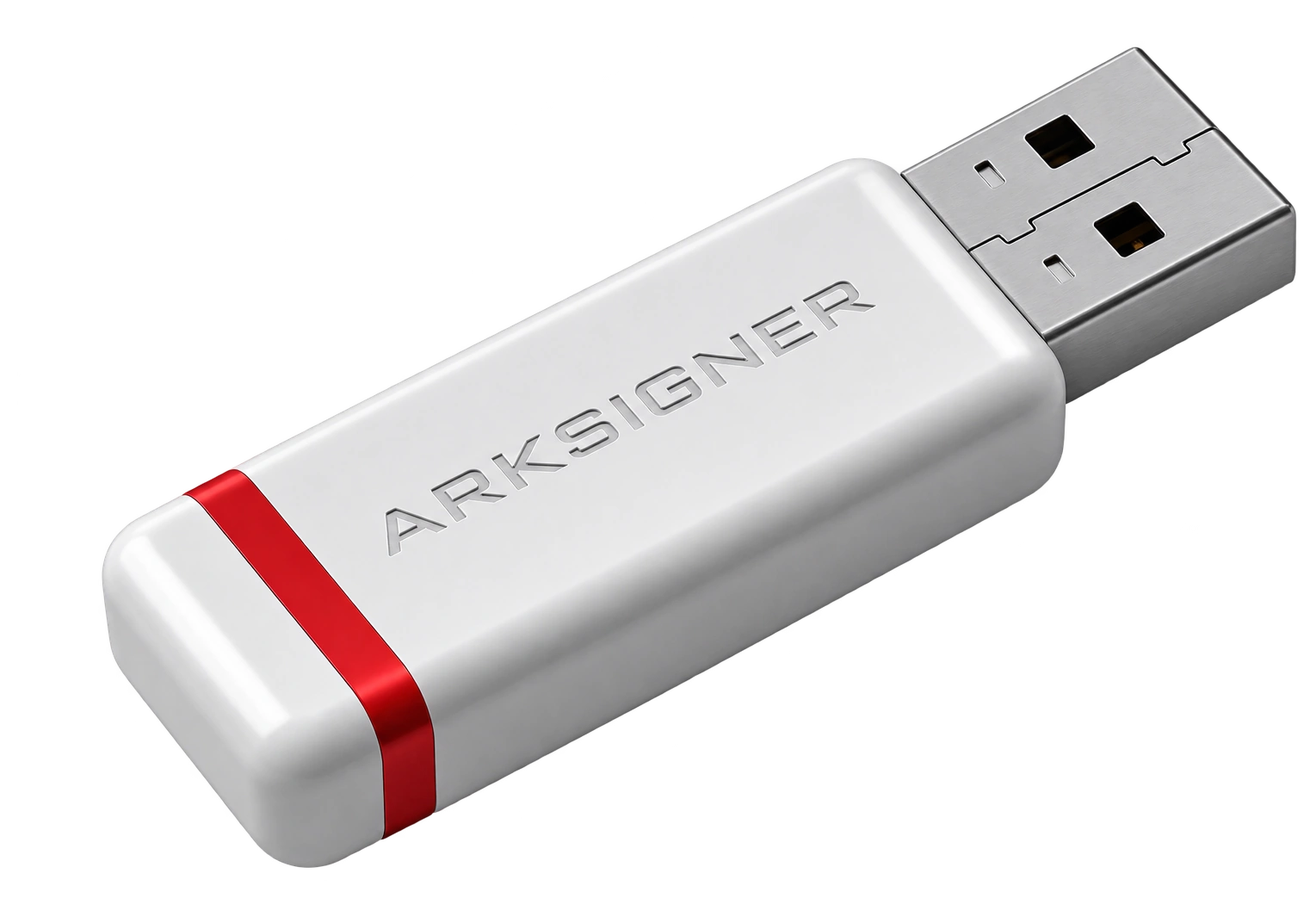


This guide focuses on the e-signature card reader compatibility list. Hardware incompatibility can cause system freezes during signing and disrupt business processes.
E-signature card reader compatibility list is a technical matching table that shows smart cards containing electronic certificates and physical reader devices connected to the computer work seamlessly at the operating system level. This list directly helps you choose the right hardware components without driver conflicts in bureaucratic approvals and continue digital document flow without losing time.
Interpreting the E-Signature Card Reader Compatibility List by Operating System
When examining the compatibility list, the first parameter to check is the kernel architecture of the operating system running on your computer and the official driver signature published for the device. On Windows 10 and Windows 11 platforms, hardware software that does not carry a Microsoft WHQL signature may be blocked for system security reasons. Such blocks cause the card reader to appear with a yellow warning sign in Device Manager and the certificate cannot be read. During the check, the presence of 64-bit driver support must be confirmed in addition to the manufacturer's model code. Otherwise, even if the system recognizes the hardware, the signing library cannot communicate with the card.
On the macOS side, the situation requires more delicate inspection. In the Apple environment, it is inevitable to query internal components for chip card reader use and obtain the correct driver files for Mac OS e-signature setup. The device's manufacturer ID must be verified in the USB tree via System Report. Although most modern cards rely on the driverless CCID standard, security layer permissions must be reconfigured after system updates. Users who cannot make this distinction may think the hardware is faulty. Signing libraries cannot communicate with the card without system permissions.
On Linux distributions, the process proceeds through open-source package managers. On distributions such as Ubuntu, Debian, or Fedora, the signature engine does not activate unless pcscd and libccid libraries are properly configured, even if the hardware matches the list. Before installation, it is necessary to complete the e-signature driver download steps and bring up the kernel modules. Verifying the currency of packages suitable for your distribution version prevents potential conflicts from the start. Observing the card reader's socket status by checking terminal outputs is the most reliable method technically.
Comparing Card Type and Interface Differences With the Compatibility List
The primary determining factor in card reader selection is the contact architecture of the qualified electronic certificate card in your hand and the physical connection port of your computer. Standard readers with USB-A ports have a wide range of use, while USB-C interfaces eliminate the need for adapters on new-generation portable computers. However, low-quality adapters in between can corrupt the data signal and lead to signature verification errors. Contactless readers communicate only with certificate cards that support the ISO 14443 protocol. Trying to operate standard contact chips in contactless slots prevents the hardware from responding.
The microchip structure of the qualified electronic certificate card directly affects the reader's processing stability and data transfer speed. The response string called ATR is the first identity information the card sends to the reader. When this string does not match the values in the table, the software cannot detect the card. If the device drops the connection momentarily during password verification, the certificate may be blocked. In such a case, before resorting to e-signature pin unblocking procedures, the cleanliness of the hardware slot and the card contact surface should be carefully inspected.
| Interface Type | Protocol Standard | Driver Requirement | Recommended Use Case |
|---|---|---|---|
| USB-A Contact | ISO 7816 / CCID | Mostly Plug-and-Play | Desktop and corporate workstations |
| USB-C Contact | ISO 7816 / CCID | Varies by Operating System | New-generation portable computers |
| Contactless (NFC) | ISO 14443 Type A/B | Special Library / Driver Required | Dual-interface corporate identity cards |
When examining the technical matches in the table, you should consider the production parameters of your certificate. Trying to read a contact chip in a contactless device causes loss of time. When making hardware choices, basing decisions on technical lists provided by authorized platforms is the healthiest approach. Additionally, when the voltage level offered by the hardware does not match the voltage tolerance of the card chip, the device may enter an instant reset loop.
Frequently Asked Questions
Where Can the E-Signature Card Reader Compatibility List Be Checked Up-to-Date?
Up-to-date compatibility lists are checked from the official support portals of the electronic certificate service provider you receive service from and the technology platforms that supply card components. Providers bound by the Information and Communication Technologies Authority legislation renew hardware lists in parallel with system updates. You can also access current verification steps regarding hardware requirements through Nagdos technology guides.
Will the E-Signature Still Work If the Card Reader Is Not on the List?
A card reader not on the list may work at a basic level if your operating system supports the universal smart card protocol CCID standard. However, since UYAP, e-Government, or banking signature libraries use special driver verification mechanisms, the risk of encountering instant signing errors or freezing problems on devices without official approval is quite high. Therefore, choosing approved models is always safe.
Are Contactless Card Readers and Contactless E-Signature Cards Evaluated on the Same List?
Contactless readers and contactless chips are classified under separate protocol categories in hardware lists. Contactless communication is based on the ISO 14443 standard, while standard e-signature cards use the ISO 7816 contact chip standard. For the two components to work together, it must be clarified from the technical guide that both the reader and the certificate chip carry dual-interface support.
To avoid indecision in hardware selection and eliminate technical incompatibility risks, check the current package content, price, and application conditions from the Nagdos e-signature catalog.