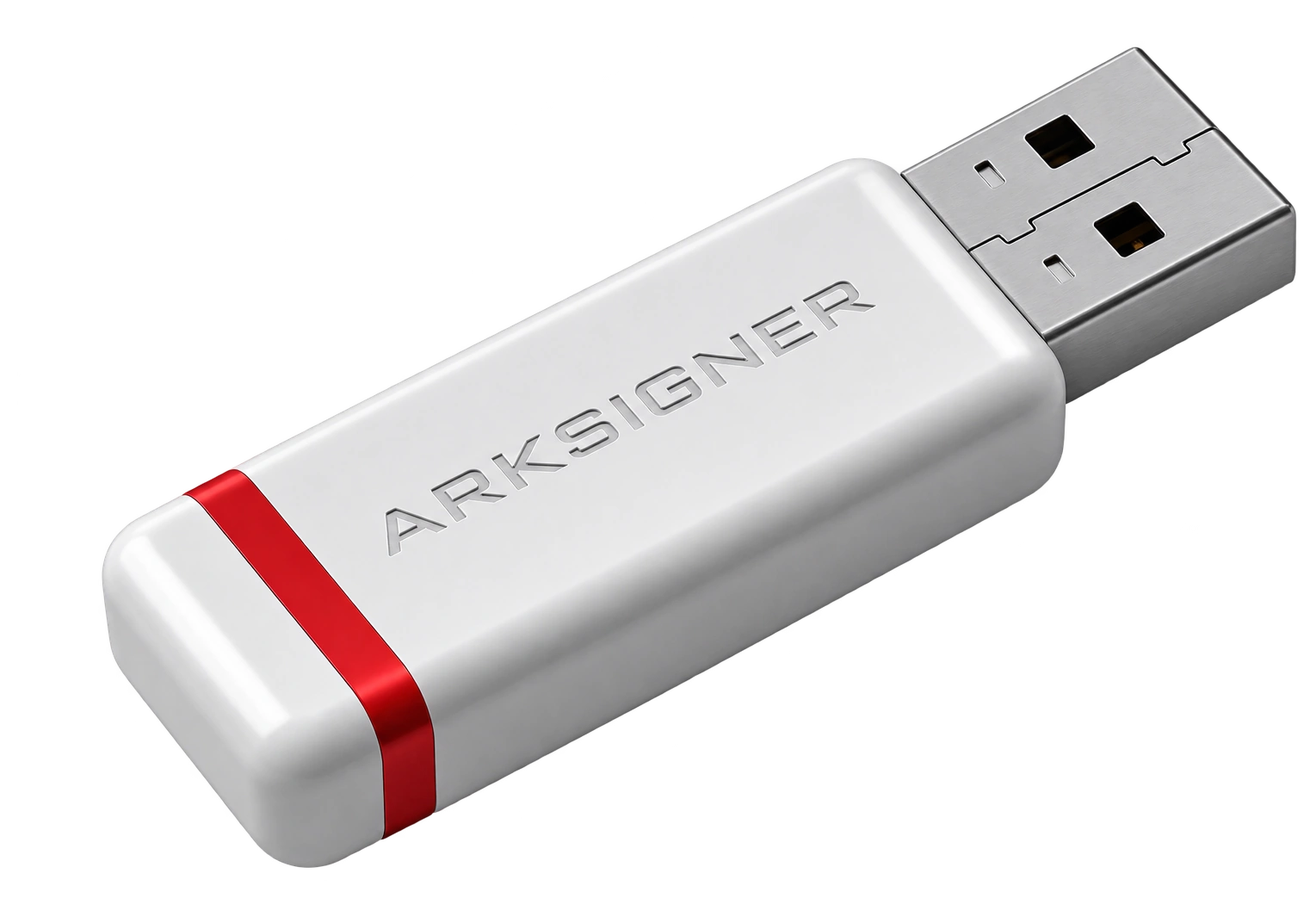


For sole proprietors looking to digitize their invoicing processes, the first step is identity verification. E-signature and e-invoice integration is the digital approval mechanism that gives electronic documents sent to the Revenue Administration systems legal validity. Thanks to this integration, invoice content gains immutability guarantees while approval processes are archived directly in the electronic environment.
Clarifying the Role of E-Signatures in the E-Invoice Process and Preparation Steps
For your existing qualified electronic certificate to work seamlessly with e-invoice portals, it must meet the standards of the Electronic Signature Law No. 5070. Sole proprietors can use their personal qualified certificates as an authorized signing tool when registering with the Revenue Administration systems. The key distinction at this stage is that while legal entities are required to obtain a financial seal, individual taxpayers can issue legally valid invoices with a personal e-signature. Before moving to system configuration, checking the card's validity period and password status prevents potential bottlenecks from the outset. When planning your infrastructure, reviewing the technical requirements in corporate e-signature package selection directly improves system stability.
Before implementation, the necessary libraries must be fully configured on the computer. After the card reader is physically connected, the latest driver packages for the hardware must be installed on the operating system. In particular, the most up-to-date management software offered by the certificate provider should be run so that signing libraries can communicate smoothly with Java or native browser plugins. If the application cannot read the certificate even though the card is inserted, it is usually due to driver incompatibility or insufficient permissions. Verifying that the certificate chain inside the token has been successfully transferred to the operating system's certificate store directly increases invoice approval speed.
A critical fork in the road during the process is confusing the concepts of qualified electronic certificate and corporate financial seal. A qualified electronic certificate only documents the identity of a real person and creates individual responsibility. A financial seal, on the other hand, is a corporate electronic stamp representing the legal entity of companies such as limited or joint-stock companies. While a sole proprietor can seamlessly log into the Revenue Administration e-invoice portal with an electronic signature registered in their own name, signing a limited company's invoices with a personal e-signature is technically and legally unacceptable. Clarifying the legal status of your business type before installation prevents such technical rejections.
Comparing Software and Workflow in E-Signature and E-Invoice Integration
When determining the invoicing method, the business's monthly transaction volume and operational speed are the decisive parameters. Micro businesses that issue one or two invoices per day can avoid additional software costs by using the Revenue Administration portal directly. For businesses that issue hundreds of invoices per month, manage inventory, or sell on different marketplaces, using a private integrator or independent accounting software ensures operational continuity. In high-volume, uninterrupted invoice-sending large-scale infrastructures, HSM (Hardware Security Module) architectures are preferred over physical USB cards to perform server-level automatic signing.
| Method Type | Transaction Volume | Signing Tool | Infrastructure Requirement |
|---|---|---|---|
| Revenue Administration Portal | Low (1-50 invoices/month) | Physical USB e-signature | Local signing tool |
| Private Integrator | Medium and High | Financial seal or e-signature | Cloud / Web integration |
| Direct Integration | Very High (>5000 invoices/month) | HSM or server certificate | Dedicated server architecture |
After software selection, issuing a test invoice during the e-signature and e-invoice integration phase eliminates operational risks. Before going live, a trial invoice in XML format should be generated on the test portal and verified to pass schematron checks. Confirming the card's PIN code, adding the signature node to the XML schema, and receiving a successful status code from the Revenue Administration servers proves that the integration is working. If the test step is neglected, there is a risk that invoices sent to customers will be deemed invalid by the system due to a faulty signing algorithm.
Once the go-live is complete, regularly monitoring system maintenance periods ensures timely invoice approval. Keeping hardware firmware up to date, checking card reader services after operating system updates, and planning early for e-signature renewal steps as the certificate expiration date approaches directly protect business continuity. Especially to avoid disruptions during month-end declaration periods, the operational status of signature components should be tested periodically.
Frequently Asked Questions
Can I Use My Existing E-Signature Directly for E-Invoice?
If you are a sole proprietor taxpayer, you can use the qualified electronic certificate registered in your name in the Revenue Administration system without purchasing additional hardware. Legal entities with limited or joint-stock company status are required by law to obtain a financial seal; personal e-signatures are not considered valid in these structures.
What Is the Most Common Installation Error in E-Signature and E-Invoice Integration?
The most common problem is outdated signer plugins on the operating system or incorrectly installed card drivers. This fault is usually resolved within minutes by reinstalling the smart card management software and starting the local signer service with administrator privileges.
How Does the Process Get Affected If My E-Signature Card Expires During E-Invoice Submission?
When the certificate's validity period ends, the signing process is immediately rejected and new invoices cannot be issued. To avoid invoicing interruptions, it is necessary to regularly monitor the certificate's final validity date and complete the technical renewal application before it expires.
Planning technical requirements thoroughly ensures uninterrupted invoicing operations. By examining the technical scope of electronic identity tools through Nagdos infrastructure, you can confidently determine the most suitable solution for your operational structure.