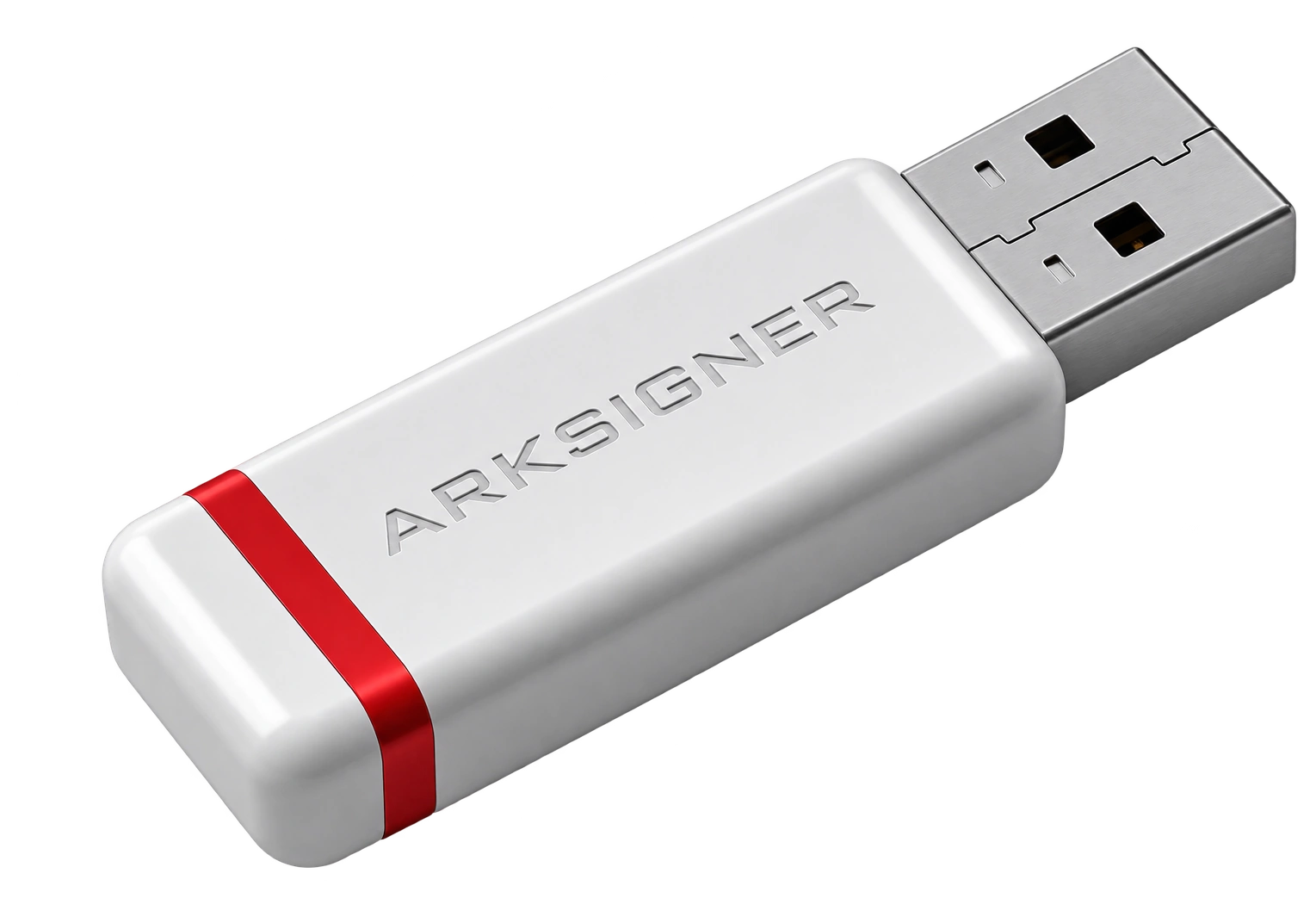
How long does e-signature delivery take? There is no single answer; application type, identity verification method, document completeness, and delivery address all change the process. Clarifying which document is required before ordering reduces unexpected delays and makes it easier to choose the right package.
How Long Does E-Signature Delivery Take for Individual Applications? Real Figures and Unexpected Delay Causes
For individual applications, the delivery flow progresses with the completion of identity verification and confirmation of address information. If the applicant enters the required information correctly the first time, there is no unnecessary back-and-forth between certificate production and shipment preparation. The most common disruption is a mismatch between the residential address on the ID and the delivery address entered in the order. This seemingly small difference can delay shipment preparation. Writing the district, building, and apartment information completely in the address line significantly simplifies the process.
In-person identity verification can reduce uncertainty when the applicant can present their document directly; in remote verification, a request for additional approval or documents can extend the process. The real issue here is not the method but whether the application is found consistent at the first review. For example, omitting a middle name that appears on the national ID from the form can lead to a request for the document again. Small mistakes made in a hurry can extend the approval process more than expected. Before submitting the application form, comparing the name, surname, identity information, and contact fields against the document is a safer choice.
At the delivery stage, an accessible phone number and a clear address are as valuable as the application document itself. The courier not finding anyone at the address or incomplete neighborhood information causes the shipment—not the certificate—to get stuck. After receiving the e-signature device, the current conditions of the verification method chosen for the certificate process should be checked. Those who want to decide early on package contents and application preference can benefit from the selection criteria on the individual and corporate e-signature application page.
How Do Authorization Documents and Signature Circulars Extend Delivery Time in Corporate Applications?
In corporate applications, the factor that most affects the timeline is clearly verifying the authority of the person who will act on behalf of the company through documents. If there is a mismatch between the signature circular, authorization document, and tax information, the review stops; it does not continue with incorrect information. In an individual application, only the person's identity stands out, while on the corporate side, the legal entity record also enters the equation. That is where the difference begins. Even abbreviating the company title can require explanation when compared with the format on the document.
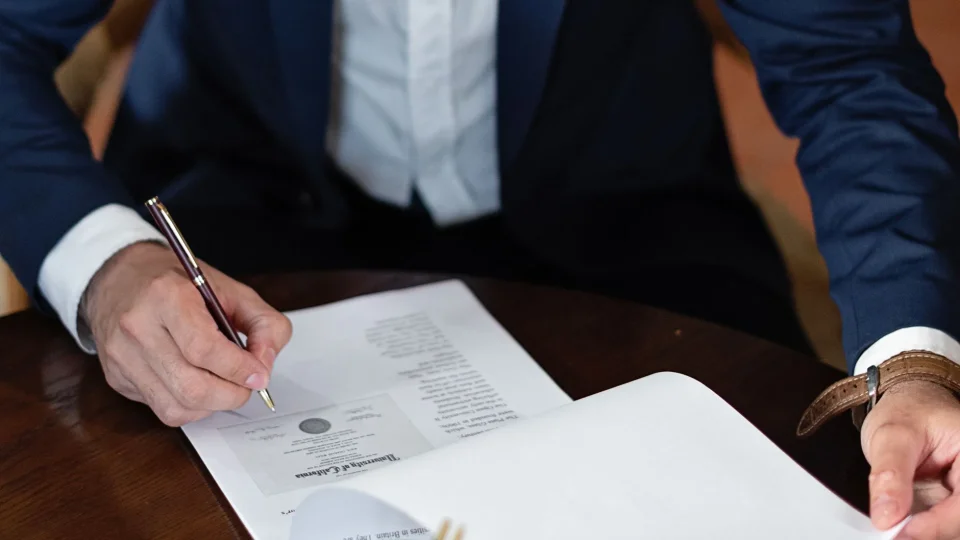
When a request is created for multiple employees, each certificate holder's information is evaluated separately. Therefore, the company's bulk request should not be thought of as a single file. It is not correct to assume that the entire order will be automatically canceled if one employee's identity field is incomplete; however, the preparation of that specific certificate may be delayed. The healthiest method is to compare the authorized person list with the current signature circular before applying. The trade name, tax number, and scope of authority should be checked from the same source.
An outdated title or incorrect tax number on the authorization document may require the application to be resubmitted. The risk is not only lost time; it also creates unnecessary correspondence within the company among purchasing, finance, and the authorized signatory. Especially as renewal approaches, waiting for the old certificate to expire is not a sound plan. The e-signature renewal process guide explains why the renewal decision should be addressed before document preparation. Proceeding with an up-to-date document set is the strongest delay preventer on the corporate side.
ArkSigner is an Electronic Certificate Service Provider authorized by BTK; Arkİmza is the individual and corporate certificate brand of this structure. Qualified electronic certificate processes are governed by the framework of the Electronic Signature Law No. 5070. Since additional document requirements may apply in private institution transactions, current requirements should be confirmed before purchase.
If you want to review the package contents and current application conditions for the Arkİmza e-signature, you can check the Nagdos e-signature catalog. The product information in the catalog helps you make a more informed decision before selecting the delivery address and application type.
Frequently Asked Questions
Where Can I Track the Delivery Status After Submitting an E-Signature Application?
You can track the order status through the tracking link sent to the phone number and email address you provided at the time of purchase. When the document review is approved, a cargo tracking number is created in your name and shared via SMS/email. If no information appears, the identity or authorization document review may not yet be complete. For the current status, you can get information from the customer panel or support channels with your order number.
If I Change the Application Type, Does the Delivery Time Start Over?
Changing the application type from individual to corporate or vice versa can change the required documents and the scope of verification. Therefore, it should not be assumed that the previous review will be fully transferred to the new application. When a change is needed, ask which document will remain valid before taking action. A certificate issued for the same person and a certificate tied to company authority are not evaluated with the same document logic. The most common mistake is treating a type change after ordering as merely an address update. Clarifying the decision from the start limits the risk of re-review.
Is E-Signature Delivery Faster by Courier or In-Person Pickup?
Courier delivery offers the advantage of direct delivery to the address for users who can be present during the day and usually arrives within 1-3 business days. Picking up directly from an authorized application center or branch with identity verification eliminates the courier waiting time. Which method is faster depends on the distribution network in your province and the availability of verification appointments.