E-signature campaigns and discounted packages can lower the initial price while changing total spending through renewal, support, and additional usage terms. To make the right decision, you need to look beyond the discount percentage and examine the certificate period, application requirements, and exceptions in the contract. A deal that looks cheap can sometimes end up costing more.
4 Critical Details Behind the Campaign Price Nobody Tells You
The true value of a campaign price is not limited to the first payment; the renewal amount, automatic renewal clause, certificate duration, and support scope must be read together. If the contract includes automatic renewal, pay special attention to how cancellation notice must be given before the transaction date. In a discounted option, the certificate's validity period may be shorter. Likewise, whether separate fees apply for additional devices, reinstallation, or different usage needs should be clearly stated in the product terms. Ambiguity is the silent enemy of your budget.
In a sample comparison, two packages may appear close in initial payment; one may be for 1 year and the other for a longer period. If the first package's renewal terms are not disclosed, it is impossible to calculate the next period's cost in advance. The discount in the campaign text may also apply only to the initial application. Before placing an order, users should confirm in writing the certificate duration, renewal option, and which transaction types the campaign covers. A price tag alone should not drive the decision.
Technical support differences also require attention. In a promotional package, the support channel, response time, or scope may be defined differently from the standard option; downtime during a failure can affect workflow. For bulk purchases, return, cancellation, and withdrawal terms may be stricter than for individual applications. If a cancellation fee exists, read the calculation method and which date is used as the basis. For organizations with continuous signing needs, evaluating the possibility of service interruption against a low initial price is a more balanced choice.
Which E-Signature Campaign Is Truly Advantageous for Which Organizations?
An advantageous campaign is one that matches the organization's signing frequency, number of users, and certificate usage period; the highest discount rate is not the right choice for every business. For a sole proprietorship, a single user and limited transaction volume stand out, while for a limited company, the number of authorized signatories and application structure should be evaluated separately. Usage forms offered under names like mobile signature or cloud signature should not be assumed to be included in the e-signature package. The scope, compatibility, and any separate fees for these features should be verified from current product terms.

| Need | More suitable approach | What to check |
|---|---|---|
| Single user | Short or suitable-term option | Renewal terms |
| Multiple authorized signatories | Bulk application evaluation | Cancellation and refund clause |
| Fewer than 500 documents per year | Low-scope option | Additional transaction limit |
For a business signing fewer than 500 documents per year, the cost of a high-scope package can turn into unused capacity. On the other hand, even if the document count is low, if signing activity is concentrated on specific dates, support access becomes more valuable. Quantity is not the only criterion. Sole proprietorships should also plan the certificate expiration date and renewal timing; e-signature packages for sole proprietorships make this distinction concrete.
For limited companies, the decision often hinges on matching the number of users with transaction authority. Going for a bulk purchase without checking whether every authorized signatory needs the same scope can create a loss of flexibility due to return limits. Initial application and renewal are not the same transaction. For the status of the current certificate and current renewal steps, review e-signature renewal. The usage calendar should determine the decision.
Frequently Asked Questions
Does the Discount Rate in an E-Signature Campaign Also Apply During Renewal?
Whether the discount rate applies at renewal should not be assumed unless it is clearly stated in the campaign terms. First, check the expiration date of your current certificate. Then compare the period, price, and scope information in the renewal option from the current catalog. Finally, verify whether the campaign text is designed for initial application or renewal. Renewal pricing is variable commercial information; deciding based on an old announcement can lead to unnecessary costs.
Can Mobile Signature and Cloud Signature Be Used Simultaneously in a Promotional E-Signature Package?
Do not assume that mobile signature and cloud signature will be included in the same package or work together; they may require different terms, identity verification, and technical compatibility. First, determine the signing method you need. Then review the scope on the product page and verify device or application requirements from current documentation. If there is any ambiguous wording, request a written explanation before applying. The package name alone does not prove the usage form.
What Are E-Signature Campaigns and Discounted Packages?
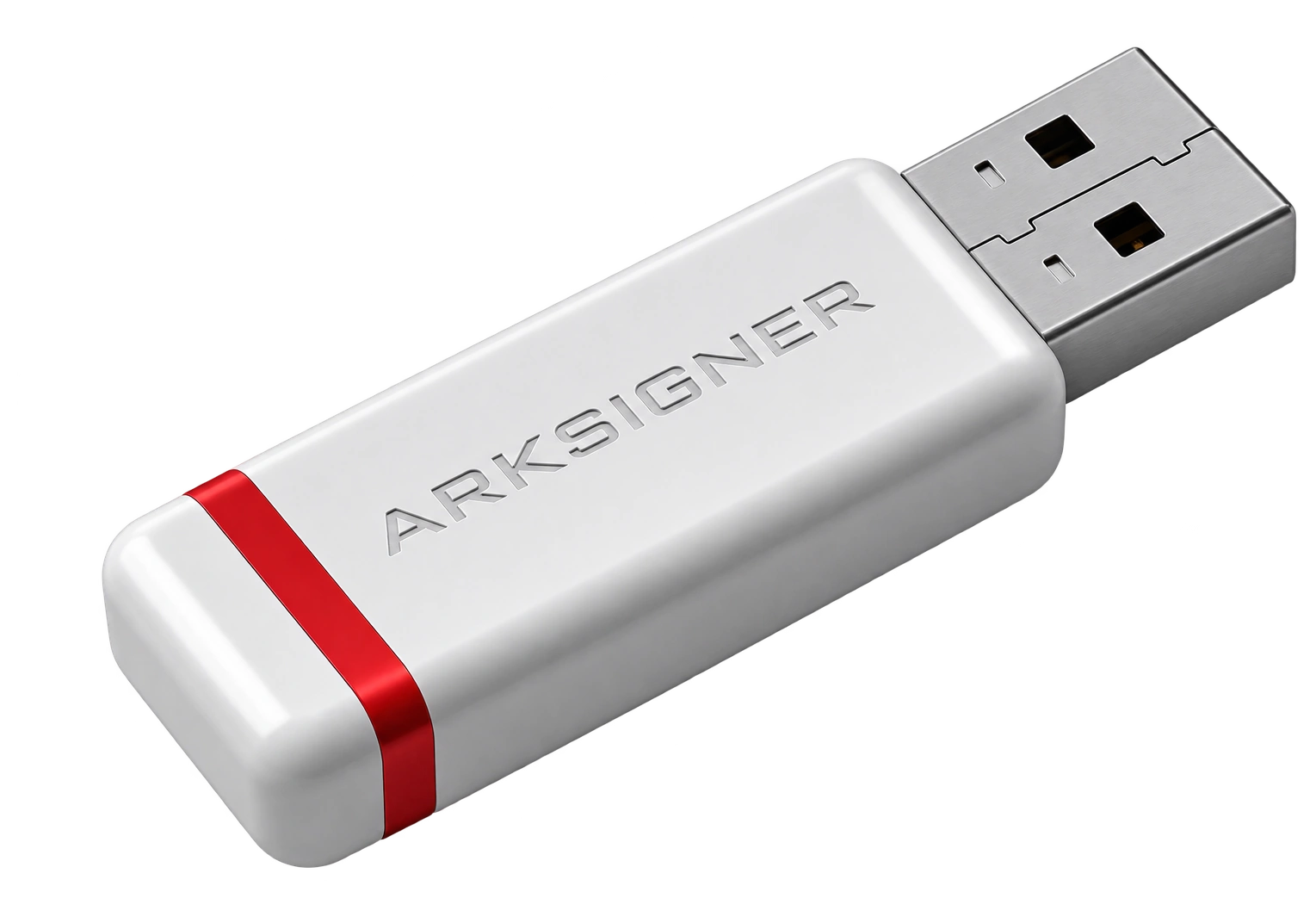
E-signature campaigns and discounted packages are solutions that combine a Qualified Electronic Certificate (QEC) with secure smart card and card reader (USB token) hardware at advantageous prices for 1, 2, or 3-year usage periods. These packages typically bundle certificate issuance, physical device supply, and initial setup support under a single cost. To determine the most suitable validity period and hardware content for your needs, check current packages in the Nagdos.