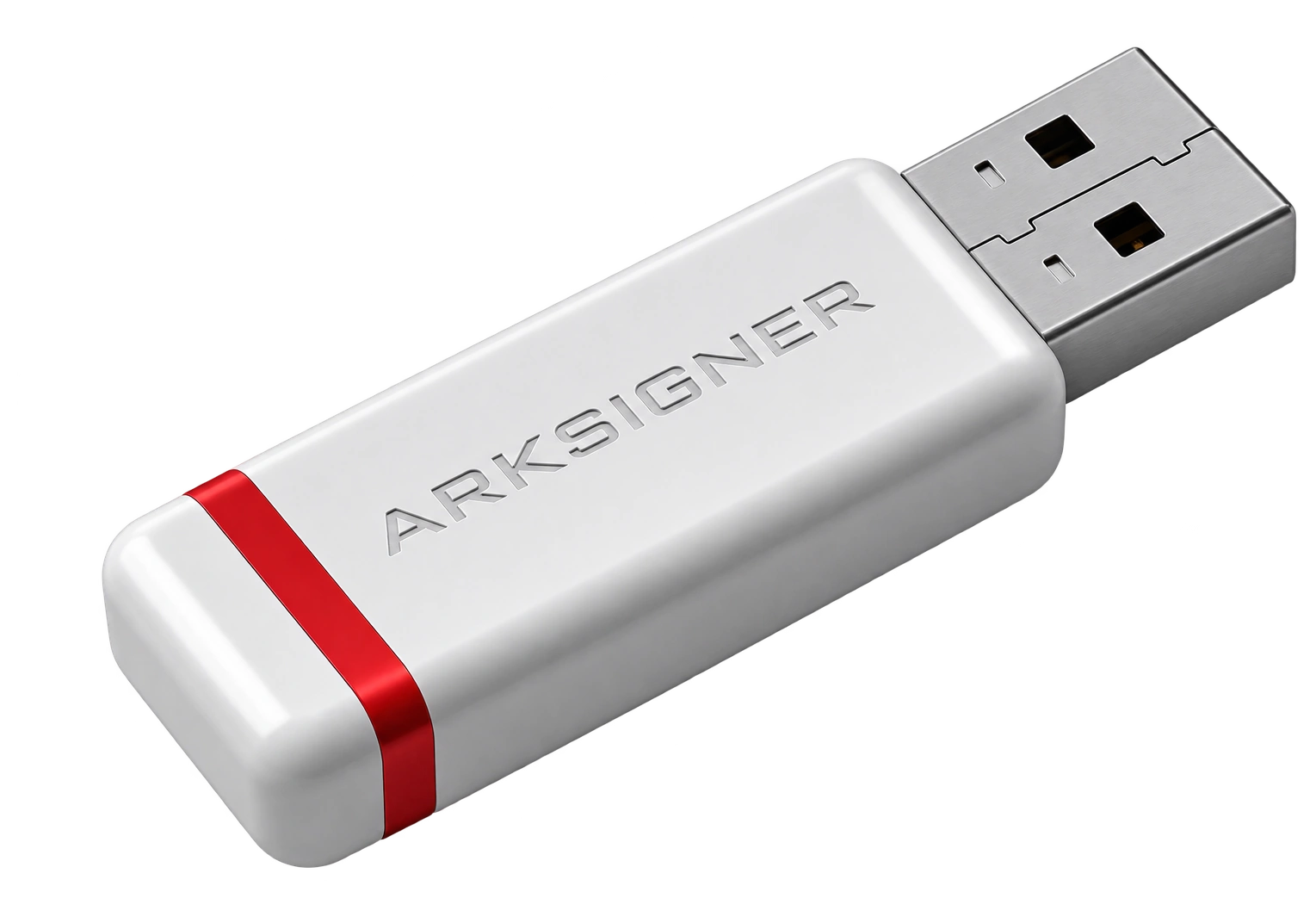
E-signature vs mobile signature comparison explains where signing authority is stored, which tool is used, and how transaction conditions change. The right choice becomes clear when document volume, mobility needs, operator dependency, and current application requirements are evaluated together. A small detail can shift the decision.
E-Signature vs Mobile Signature: Scope and Options
An electronic signature is used with a separate hardware tool such as a USB token or smart card tied to a qualified electronic certificate, while a mobile signature carries out the signing process via a mobile phone and a secure SIM card within the GSM operator's infrastructure. Both options fall under the legal framework of Law No. 5070 on Electronic Signatures as secure electronic signatures. However, the institutional portals integrated and the supported file formats may vary by provider.
If documents to be signed are mostly prepared in a desktop workflow, an electronic signature may offer a more familiar flow. If the need to approve on the go outweighs other factors, the mobile method can become more practical. But practicality is not the only criterion. With the mobile option, an active subscription, a suitable 128 KB SIM card, and the operator's monthly service plan come into play; with an electronic signature, physical protection of the hardware token and driver compatibility stand out.
In a concrete decision example, a sole proprietor who prepares contracts and application documents in the office during the day may consider an electronic signature compatible with the document workflow on the computer. If the same person is constantly in the field, the need for phone-based approval may weigh more heavily. The decision starts with where the signature will be applied. To separate use cases, the E-Signature Use Cases and Package Pricing is a useful checkpoint.
E-Signature vs Mobile Signature: Conditions to Compare
When choosing, not only the fee but also the certificate type, signing tool, phone line, and usage environment should be compared. A mobile signature is affected by the operator and SIM card relationship; an electronic signature is tied to the computer workflow. Neither method offers the same convenience to everyone. The applicant's identity verification and document requirements should be reviewed according to the selected option.

| Decision criterion | Electronic signature | Mobile signature |
|---|---|---|
| Signing location | Computer-focused work | Phone and operator access |
| Dependency | Access to signing tool | SIM card and line status |
| Suitable user | Desk-based document volume | Mobile approval needs |
| What to check | Document flow and tool condition | Operator's current conditions |
The four criteria in the table make the technical distinction visible; yet they do not set a fixed rule about price or application time. For example, in a business with two employees, if one prepares documents on the computer and the other approves from outside, a single choice is not mandatory. Needs can diverge. The most common mistake is deciding based only on the initial fee and ignoring the subsequent usage pattern.
Similar care is needed when comparing electronic signatures with wet signatures: a broad equivalence statement cannot be made without evaluating the legal effect, the nature of the document, and statutory exceptions. Before selecting a certificate, reviewing the conditions in our Certificate Provider Selection article reduces the risk of a hasty decision.
Practical Application Steps: a Decision Example
As a decision example, consider a business owner who prepares documents at the computer most of the week but occasionally needs to approve from outside. For this person, the dominant usage pattern should be determined first: daily document production or phone-based transaction mobility? The second need shows whether a separate option supporting the main method is required. Trying to solve every requirement with a single tool sometimes creates unnecessary limitations.
List the types of documents to be signed and the current acceptance conditions of the institutions involved.
Evaluate time spent at the computer and the need for phone-based approval separately.
For the mobile option, verify the line, SIM card, and operator conditions; for the electronic option, verify access to the signing tool.
Compare application documents, package scope, and renewal terms from current product information.
Two risks emerge here: a change in the phone line can affect the mobile usage plan; inability to access the signing tool can also interrupt the electronic signature flow. Therefore, redundancy, access authorization, and workflow should be discussed together. The decision should be based on the way of working rather than the tool. For duration and application details, the Duration, Package, and Application Guide can be reviewed.
Check the current package content, price, and application conditions in the Nagdos e-signature catalog: e-signature catalog.
Frequently Asked Questions
What Is an E-Signature vs Mobile Signature Comparison?
This comparison examines the technical, operational, and cost differences between a USB token-based Qualified Electronic Certificate (QEC) plugged into a desktop computer and a signing mechanism that works via the GSM operator's 128 KB SIM card. Both methods have the same legal validity as a wet signature under Law No. 5070; however, an e-signature works with hardware-independent computer software, while a mobile signature works through SMS/approval screens over the phone network.
What Is E-Signature vs Mobile Signature Comparison?
The operating system used, document format (PDF, UDF, XML), the signing infrastructure supported by the public portals you work with (UYAP, EKAP, MERSİS), the average monthly number of signatures, and operator subscription fees should be placed side by side. For those signing documents in bulk on a desktop, a USB e-signature is more functional; for those in the field who only log into portals and give individual approvals, a mobile signature is more practical.
How Do You Plan an E-Signature vs Mobile Signature Comparison?
In the first step, a map of signing frequency and work environment is created: if out-of-office approvals dominate, the operator's mobile signature application and SIM card replacement conditions are checked. If multiple files and desktop software integration are required, a 1, 2, or 3-year standard USB token e-signature package is selected, and the identity verification process is started through an authorized Electronic Certificate Service Provider (ECSP).