Before buying an e-signature, you need to evaluate not just the visible price but also the usage period, package contents, delivery method, and after-sales support together. The right package depends on the institution you'll use it with, the certificate duration, and whether the application is individual or corporate. This guide helps you choose the right product without drowning in technical details.
What Should You Compare When Choosing an E-Signature Package?
The first decision is the usage period. If you need an e-signature for a short-term transaction, a one-year option may be enough. If you regularly handle tenders, contracts, KEP, UYAP, or public portal transactions, longer-term packages can reduce renewal tracking. When choosing, clearly check the certificate's start and end dates, renewal terms, and which services the price covers.
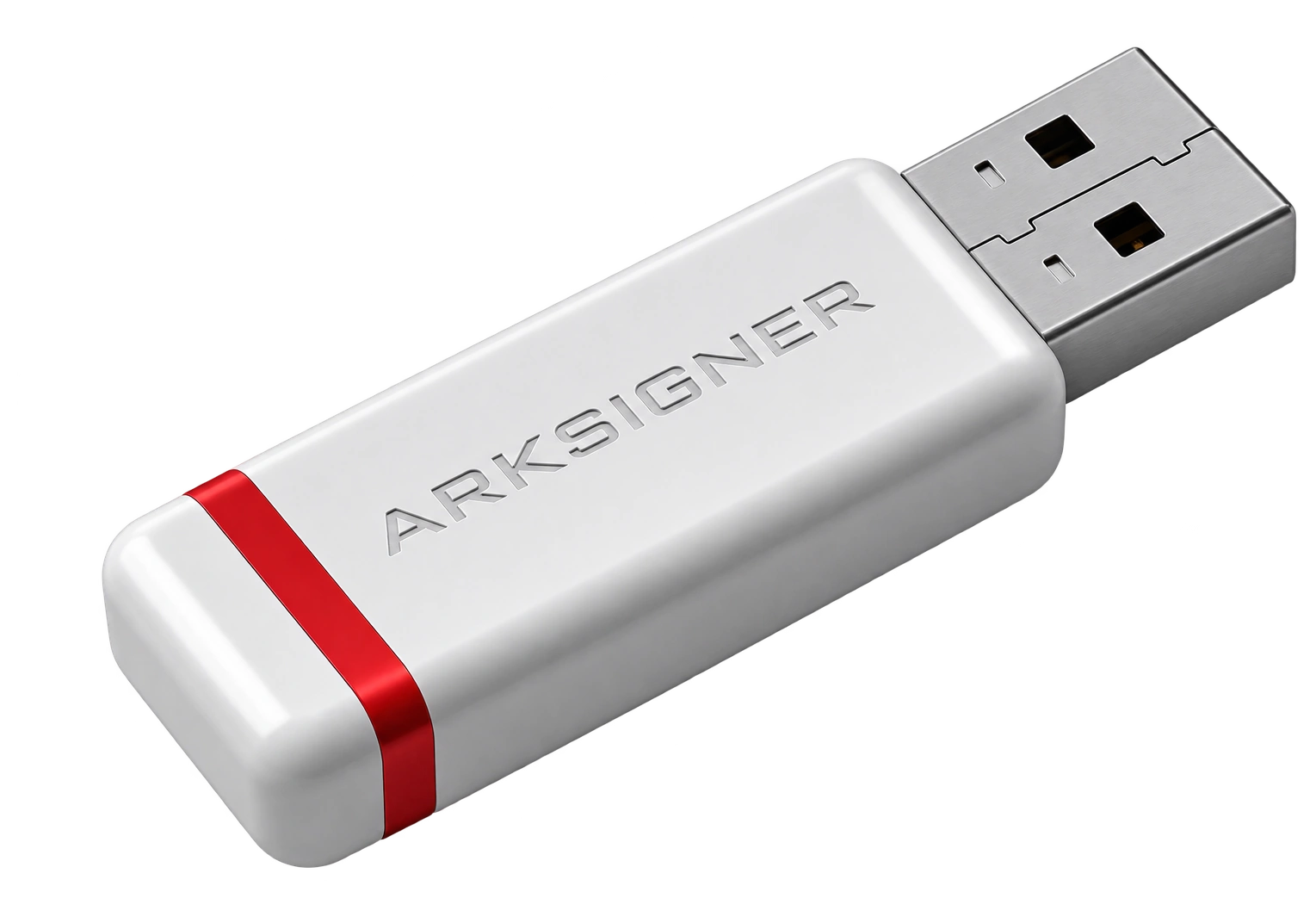
It's also important whether the package includes a USB token or smart card reader. The certificate fee alone is not the same as the total package price including the device. Finding out before ordering whether shipping, identity verification, and support services are charged separately prevents unexpected additional costs later.
| Comparison area | Question to ask | Why it matters |
|---|---|---|
| Duration | How many years is the certificate valid? | Determines renewal frequency and total cost. |
| Package | Is a USB token or reader included? | Clarifies additional device expenses. |
| Delivery | What are the shipping and estimated delivery times? | Lets you plan your transaction date. |
| Support | Is support provided during activation? | Reduces time loss during first use. |
The Difference Between Individual and Corporate Purchase
A qualified electronic certificate is issued in the name of a real person. If a company employee or authorized representative will use the e-signature for corporate transactions, that person may also need separate representation authority for the relevant transaction. Therefore, the term "corporate use" does not mean the e-signature is issued in the company's name. E-document processes requiring a financial seal should be evaluated separately.

Before applying, clarify your intended use: will you make only a single public application, or will you handle contracts and official portal transactions throughout the year? This information helps you avoid buying an unnecessarily long-term package or having to reapply soon after.
The Path to Follow From Order to Delivery
- Choose the certificate duration that fits your needs.
- Check the package contents for device, shipping, and support terms.
- Enter your application information exactly as it appears on your ID.
- Complete the notified identity verification step.
- After delivery, activate your certificate using official instructions.
Delivery time may vary depending on the accuracy of application information, the identity verification step, and the shipping region. If you have an urgent transaction date, don't leave the order to the last day. You can compare current duration options and package contents on the Nagdos e-signature product page.
Final Check Before Purchasing
Before making payment, check the product duration, whether the device is included in the package, the delivery address, and your contact information one last time. Reading the cancellation, return, and renewal terms is also part of the purchase decision. The best package is not simply the cheapest one; it's the one that meets your intended use, delivery schedule, and the support you need together.
Frequently Asked Questions
What Is an Individual and Corporate E-Signature Application?
An individual and corporate e-signature application is a component used in the process discussed in this article. What it does, under which conditions it is preferred, and which criteria are decisive when choosing are explained in detail in the relevant sections.
How Do You Plan an Individual and Corporate E-Signature Application?
When planning an individual and corporate e-signature application, first clarify your needs and expected outcome, compare available options according to your own circumstances, then decide on the most suitable one.
What Should You Pay Attention to for an Individual and Corporate E-Signature Application?
For an individual and corporate e-signature application, first define your needs and priorities clearly; this makes it easier both to find the right option and to align expectations with results.