E-signature payment and installment options mean seeing the real total by separating the installment choice on the payment screen from the card campaign the bank offers later. A proper comparison requires looking not at the monthly payment amount but at the installment fee, card eligibility, and refund terms. The fine print can sometimes create extra costs.
How to Check the Installment Option in E-Signature Payment
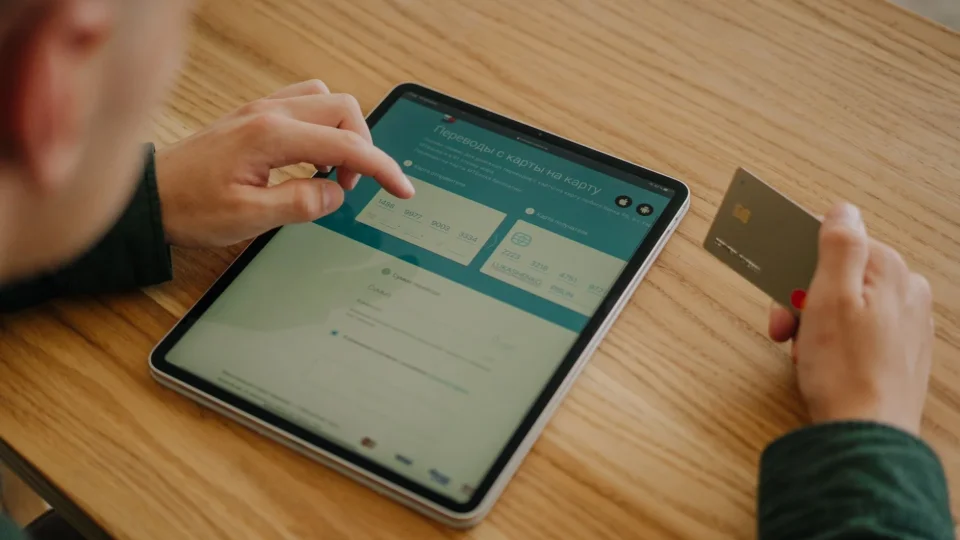
The installment option is confirmed on the payment screen when card details are entered before the order is completed. If the number of installments, the amount of each installment, and the total payment are not shown on the screen, an installment transaction should not be assumed. A payment page may show only a single-payment amount; even if the bank offers the option to split the transaction later in the card statement, this does not mean the seller applied installments. Taking a screenshot is a practical safeguard.
It is normal for options to vary based on the first digit of the card number; within the same bank, card type, whether the card is personal or corporate, and current rules can produce different results. If installments do not appear, first recheck the selected package, then the card type and the total on the payment page. If the campaign text includes a date, also verify that it matches the transaction day. An old announcement does not create a current right.
The information shown on the payment screen is binding at the time of the transaction; nevertheless, the campaign terms should be read through the bank's official channel. In particular, assuming that renewal and first application have the same payment method can be misleading. Since package and application details may change, individual and corporate e-signature application helps clarify the scope of the decision.
The Difference Between Provider Installments and Bank Campaigns
Provider installments are the installment format selected directly at the payment step; a bank campaign is a separate application that works later for the cardholder under conditions set by the bank. Although both paths result in installment payment, the proof, cost, and cancellation flow are not the same. If the distinction is not made, unexpected costs may arise.
Option | Provable information | Total cost control | Limitation |
|---|---|---|---|
Upfront payment | Single-payment amount on the payment screen | Record the displayed amount | May strain cash flow |
Provider installments | Installment count and total amount on the screen | Compare the monthly amount with the number of installments | May not appear on every card |
Bank campaign | Bank's official campaign terms | Review the card transaction and campaign description | Card type or date may be excluded |
For example, seeing three installment options on the payment screen does not mean the bank campaign will extend to six months. Conversely, while the screen shows a single payment, the bank app may offer a split option after the transaction. Deciding without reading the transaction type, minimum amount, participation step, and card coverage specified by the bank is risky. Since campaign terms are updated periodically, official channels must be verified.
Total Cost, Installment Fee, and Refund Terms
The real cost is understood not by the low monthly installment amount but by the total figure that will appear on the card statement at the end of the transaction. If there is an installment fee, commission, or transaction charge, clearly check at which stage they are added. The refund condition is also part of the same calculation, because in a canceled transaction the method by which installments are reflected on the card can vary according to the bank and the virtual POS infrastructure.
Check with the following steps:
Note the upfront amount on the payment screen.
Record the total payment shown for each installment option separately.
Examine whether the difference between the total and the upfront amount is an installment commission.
Read in the contract whether the charge will be returned as a single payment or in monthly installments in case of cancellation or refund.
If a corporate commercial card is used, verify the legal installment limits before the transaction.
The monthly amount may seem budget-friendly; however, if the total repayment amount is far above the upfront price, the option should be reconsidered. In the refund process, whether the amount is returned to the card as a single credit balance or in installments depends on the bank's card accounting rules. Reviewing the written terms prevents such uncertainties.
Which E-Signature Installment Option Makes More Sense?
The most sensible choice is the one that evaluates not only the longest installment period but also the total cost and card eligibility together. If installments without an installment fee are offered, installments may be preferred to preserve cash flow; however, in cases where a high installment fee is applied, a single payment is more advantageous in terms of total cost.
Installment campaigns valid for personal credit cards may not apply to corporate or commercial cards. For purchases made on behalf of a company, card type and BDDK installment limits should be considered. For expiring certificates, the e-signature packages for sole proprietorships guide helps you plan duration and cost correctly.
Before deciding, compare the upfront amount, the total installment amount, and, if applicable, your bank's post-transaction installment interest rates. You can review current e-signature payment and installment options and package prices through Nagdos.
Frequently Asked Questions
Can Installments Be Used When Purchasing an E-Signature?
Yes, with credit cards from contracted banks, installments can be selected directly through the virtual POS at the payment step, or the transaction can be made as a single payment and then split later through the bank's mobile app. Installment restrictions on commercial cards vary by bank.
How Much Is the Installment Fee for Installment Payments?
The installment fee varies depending on the number of installments chosen and the payment infrastructure. In some periods, installment campaigns at the upfront price are offered, while in standard installments a certain installment fee is added to the total based on the bank commission rate; the current fee is listed transparently on the payment screen.
Which E-Signature Packages Are Eligible for Bank Campaigns?
Bank campaigns generally apply to all standard 1, 2, or 3-year e-signature packages exceeding a certain minimum basket amount. However, some bank campaigns may be excluded for corporate bulk purchases or specially discounted renewal codes.