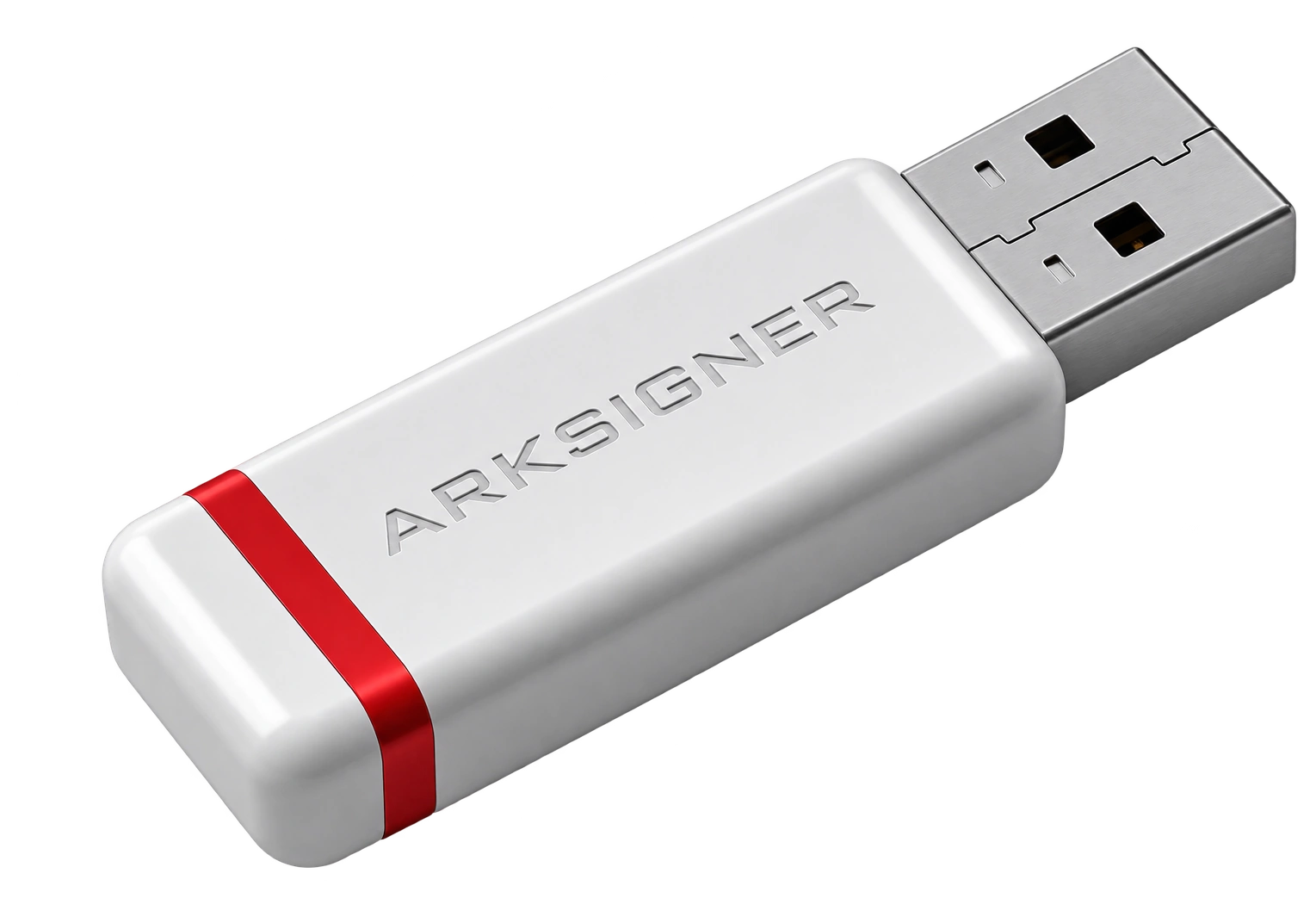
Selecting the right term on the transaction screen removes unnecessary uncertainty. E-signature renewal is the process of extending your current service period with one of the open terms in the customer panel and paying the current amount. Checking the expiry date, remaining time, and any open renewal record before choosing helps you make a more informed decision.
How to Check Installment Options for E-Signature Payment
The installment option at the payment stage becomes visible after you add a renewal term to the cart and enter your card details. First, log in to app.nagdos.com, open your current e-signature from the My Services section, and review the expiry date, remaining time, and the estimated or current renewal amount shown on the screen. Select one of the open terms and continue with Add to Cart. Different installment rows may appear depending on the card type. If an installment row is not visible, it may indicate that no suitable option is available at that moment.
For example, if you reach the payment screen with two different cards for the same renewal term, one card may show a single payment option while the other shows an installment option. This difference may result from the card and payment conditions rather than the selected term. It is not correct to assume that an installment option not shown on the screen exists later. Campaign or installment information is variable; the current record on the payment page should be taken as the basis. For a detailed payment evaluation, you can also read the E-signature installment options guide.
The most common confusion is this: the renewal term and the card installment are not the same thing. The term refers to the period to be added to your current service; the installment refers to how the payment is split. First choose the service period. Then read the cart summary and the payment screen separately.
The Difference Between Provider Installments and Bank Campaigns
The installment offered on the provider's payment screen is separate from the bank's own campaign. In the first case, the installment appears at the payment step before the order is completed; in the second, the bank may define a different application later based on the cardholder's conditions. It cannot be assumed that both options will be valid at the same time. Card type, cardholder status, and the bank's current rules can change this distinction.
It is enough to compare two headings: the total payment shown on the cart screen and the campaign condition announced on the bank's official channels. The presence of a single payment option and several installment options on the payment screen does not mean the bank will later grant additional benefits. Conversely, a bank campaign being announced does not require installments to appear on the payment page. Conditions often depend on the card type.
| Option | Where to check | Decision criterion |
|---|---|---|
| Payment screen installment | Cart and card step | Total amount and installment difference |
| Bank campaign | Bank's official channel | Card and customer eligibility |
| Single payment | Order summary | One-time amount |
Review the start and end conditions in the campaign text again on the payment day. A small condition on the page can change a big expectation.
Total Cost, Installment Difference, and Refund Conditions
The correct calculation is made by looking at the total payment in the order summary, not the monthly amount. The term selected for e-signature renewal should be matched with the current amount shown in the panel. If the total payment in the installment option differs from the single payment amount, the explanation of the difference on the payment screen should be checked. If there is a commission, installment difference, or a separate condition applied by the bank, it is expected to appear in the visible record. If there is any unclear wording, it is safer to contact the support channel before completing the payment.

The control sequence is clear:
Review the expiry date and open renewal terms from the service details.
Add the term you selected to the cart and read the total amount.
Compare the totals of the single payment and installment rows at the payment step.
If a refund is possible, ask how installments will be handled before the transaction.
Refund conditions may vary depending on the payment method and order scope. Therefore, looking only at the monthly figure is misleading; the total debt shows the real weight of your choice. If there is a pending renewal record or an unpaid related invoice, a second renewal cannot be started. First check the existing record and invoice from the panel.
The order summary is where the selected service period and payment information intersect. It should not be assumed that elements specific to card readers, shipping, or new applications are automatically added to the renewal. Only the order summary determines the scope.
Which E-Signature Installment Option Makes More Sense?
The most sensible payment choice is made by evaluating the total amount shown for the selected renewal term together with your cash flow. A single payment may be simpler for those who want to see the total cost in one item. An installment payment can be considered for individuals or businesses that want to spread the payment burden over time. However, if there is an installment difference, a low-looking monthly amount can hide the total cost.
Individual and corporate cards may not show the same options. If a corporate card is used, the company's spending rule, invoice expectation, and payment authorization should also be considered. With an individual card, campaign eligibility may depend on the cardholder. There is no fixed choice. The decision should be made based on the terms opened in the panel and the current information at the payment step.
Confirm that the selected term is suitable for your current service.
Examine the single payment and installment totals side by side.
Check whether there is a pending invoice or renewal record.
If there is a campaign, read the conditions in the bank's official announcement.
For those who want to extend their current service, the safest next step is the My Services section in the customer panel. Purchasing a new e-signature is a separate process; the current package content, price, and application conditions should be checked from the Nagdos e-signature catalog.
Frequently Asked Questions
Can the Term Selection Be Changed Later in the E-Signature Renewal Process?
Before the payment is completed, the renewal term in the cart can be deleted and selected again. However, after the payment is completed, to change the term you must create a support request from the customer panel or cancel the existing record and restart the process. If there is a pending open request in the panel, a new transaction cannot be started.
What Is E-Signature Renewal?
E-signature renewal is the process of extending the usage period (1, 2, or 3 years) of a qualified electronic certificate that is about to expire or has expired, on the existing hardware. It covers only updating the certificate period without repeating the hardware supply and identity verification steps of new application processes.
How Does the Shipping or Delivery Process Work During Renewal?
In standard certificate renewal processes, since your physical USB token device does not change, no shipping or courier delivery process is initiated; the process is completed by remotely loading the certificate onto the existing hardware. Only if the current device is faulty or an additional hardware order is placed is the shipping process started through the order summary.