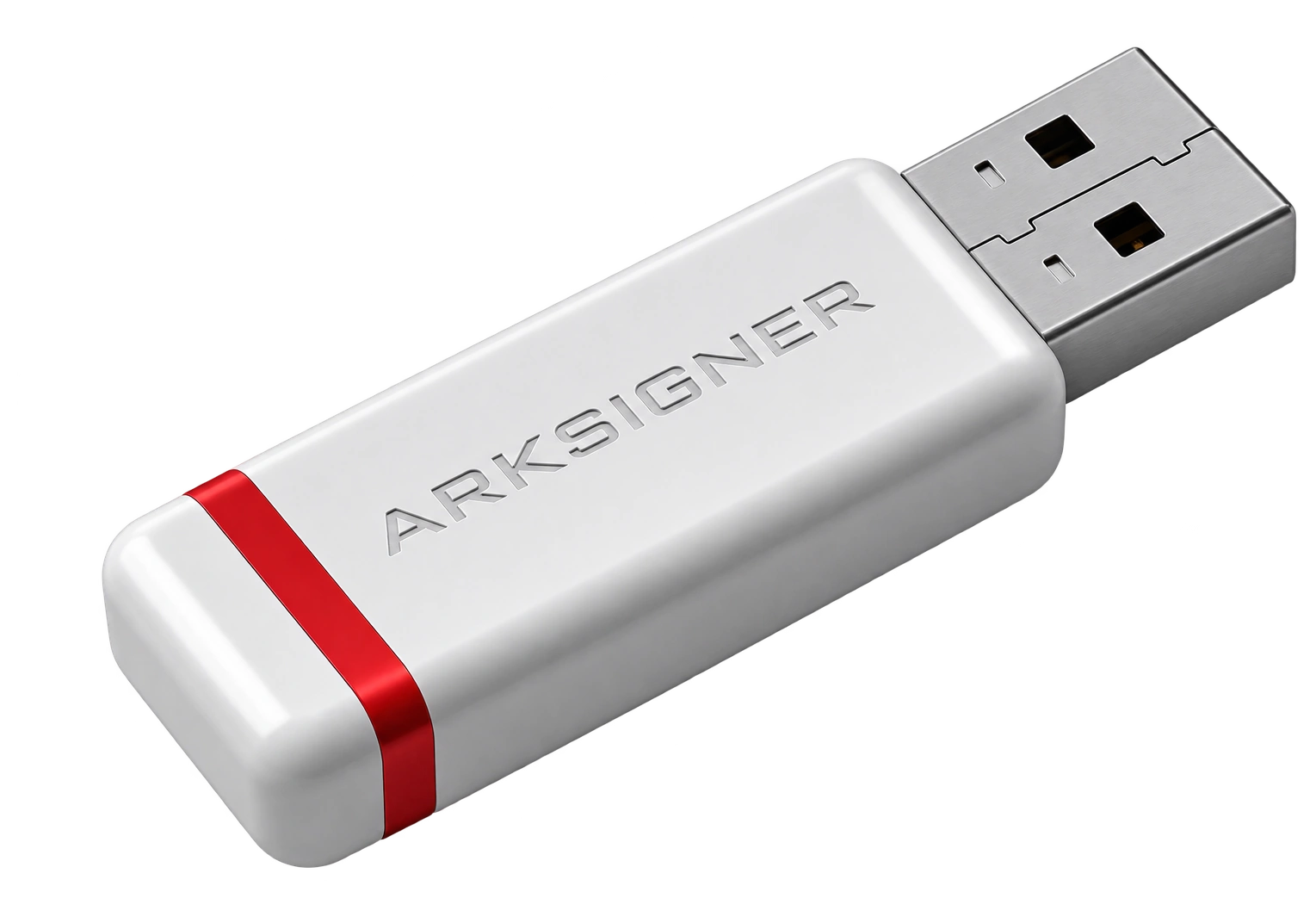
E-signature use cases and packages involve planning exactly which legal transactions the signature will cover, certificate duration, user authorization structure, and application requirements. Choosing the right package eliminates the need for additional certificate costs or scope changes in the months ahead. When deciding, focus not only on the initial hardware and certificate fees but also on operational continuity.
Hidden Differences in E-Signature Use Cases and Package Pricing
Price differences between e-signature packages are shaped not only by the committed term but also by the certificate type, installation support, hardware standard, and corporate usage model. Public tender applications (EKAP), e-Government gateway transactions, the UYAP system, bank instructions, or commercial contract approvals technically use the same Qualified Electronic Certificate (QES) infrastructure, but the integrations and signature authority distribution required by institutions vary. Under Law No. 5070 on Electronic Signatures, a secure e-signature is legally equivalent to a wet signature, is issued to an individual, and cannot be transferred. Therefore, deciding based on a superficial price table can lead to poor outcomes.
When comparing two packages with the same term, one may include only a basic certificate and standard token, while the other offers remote installation support, technical assistance, and mobile compatibility. In scenarios where multiple departments need signing authority on the same day, circulating a single certificate among staff creates legal and technical risks. For this reason, when purchasing an e-signature, the number of authorized signers and the requirements of the official institutions involved should be clarified at the package selection stage.
Control criterion | Verification question | Decision impact |
|---|---|---|
Purpose of use | Are there tender, instruction, or contract approvals? | Certificate and compatibility review required. |
Validity period | Is the renewal date close to the business calendar? | Risk of interruption varies. |
User setup | How many authorized signers will sign? | A single certificate can create a bottleneck. |
When calculating total cost of ownership, the initial certificate and token payment, renewal rates at the end of the term, and potential waiting times in the workflow should be considered together. Comparing current package contents and application requirements before selecting a term through Nagdos minimizes risks. Don't be misled by promotional labels alone; the hidden cost trap in e-signature campaigns details the steps to watch for in e-signature use cases and packages.
Why Do Some Companies Have to Change Their E-Signature Package After 6 Months?
Many businesses initially choose the most basic package to minimize setup costs, but as transaction volume and approval processes expand, this structure becomes insufficient. The problem is usually not that the certificate stops working, but that the number of authorized users and the usage environment were planned too narrowly from the start. A manager approving documents on a laptop in the field has different technical requirements than operations teams working on fixed desktop systems in an office. The type of device used for signing, the operating system, and corporate applications must meet current standards.

In a scenario where a single authorized person signs a few official documents per week, a basic package may be sufficient, but when finance and legal departments expect simultaneous contract or tax approvals, a single certificate causes serious operational delays. Adding a new signatory to the company or the emergence of a KEP integration need requires reviewing the existing package structure.
Another common problem is confusing personal use with corporate authority boundaries. E-signature hardware is not an office key that can be shared; identity verification and legal responsibility belong entirely to the signer. If there is uncertainty about hardware and software compatibility, Nagdos's official technical bulletins should be reviewed. Especially when planning renewals, you can benefit from the e-signature packages for sole proprietorships guide.
Frequently Asked Questions
What Is the Price Difference Between Annual Renewal and a 3-year Upfront Purchase in an E-Signature Package?
With 3-year upfront packages, the USB token hardware cost is covered once and annual certificate production fees are fixed, resulting in average total cost savings of 30% to 40% compared to annual renewal. However, if the signer's tenure is likely to be less than 3 years, flexible annual packages should be preferred over a long-term commitment for a non-transferable certificate.
Which E-Signature Use Cases and Package Option Is Sufficient for a Sole Proprietorship?
For sole proprietorships, a single-user, 1- or 2-year standard Qualified Electronic Certificate (QES) and USB token package is sufficient for the Revenue Administration's Interactive Tax Office, e-Invoice/e-Archive portals, KEP correspondence, and Social Security Institution transactions. Multi-user corporate authority packages are not needed.
Can I Switch to a More Comprehensive Package Before My Current E-Signature Package Expires?
While the current certificate is still valid, an additional package can be defined for a different authorized person, or the corporate license scope can be expanded. However, since an active Qualified Electronic Certificate cannot be directly transferred to another person, independent certificate applications must be made for new signers. You can review current package options and steps in the Nagdos e-signature catalog.